Why This Myth Persists, And Why It’s Wrong
One of the biggest misconceptions in the manufacturing world is that workflow software is only for companies with full IT departments or hefty budgets.
It’s not surprising:
- ERP vendors push multi-month implementation plans
- MES systems come with costly integrations and hardware dependencies
- Custom software feels like a black hole of scope creep and technical debt
But here’s the truth: You don’t need a single developer to launch JobTraQ. No in-house IT team. No consultants. No external implementation firm. Just your team, your knowledge, and a browser.
If you’ve got someone who understands your processes and is willing to learn – even if they’re not “technical” – they can configure and run JobTraQ.
What Makes JobTraQ Different?
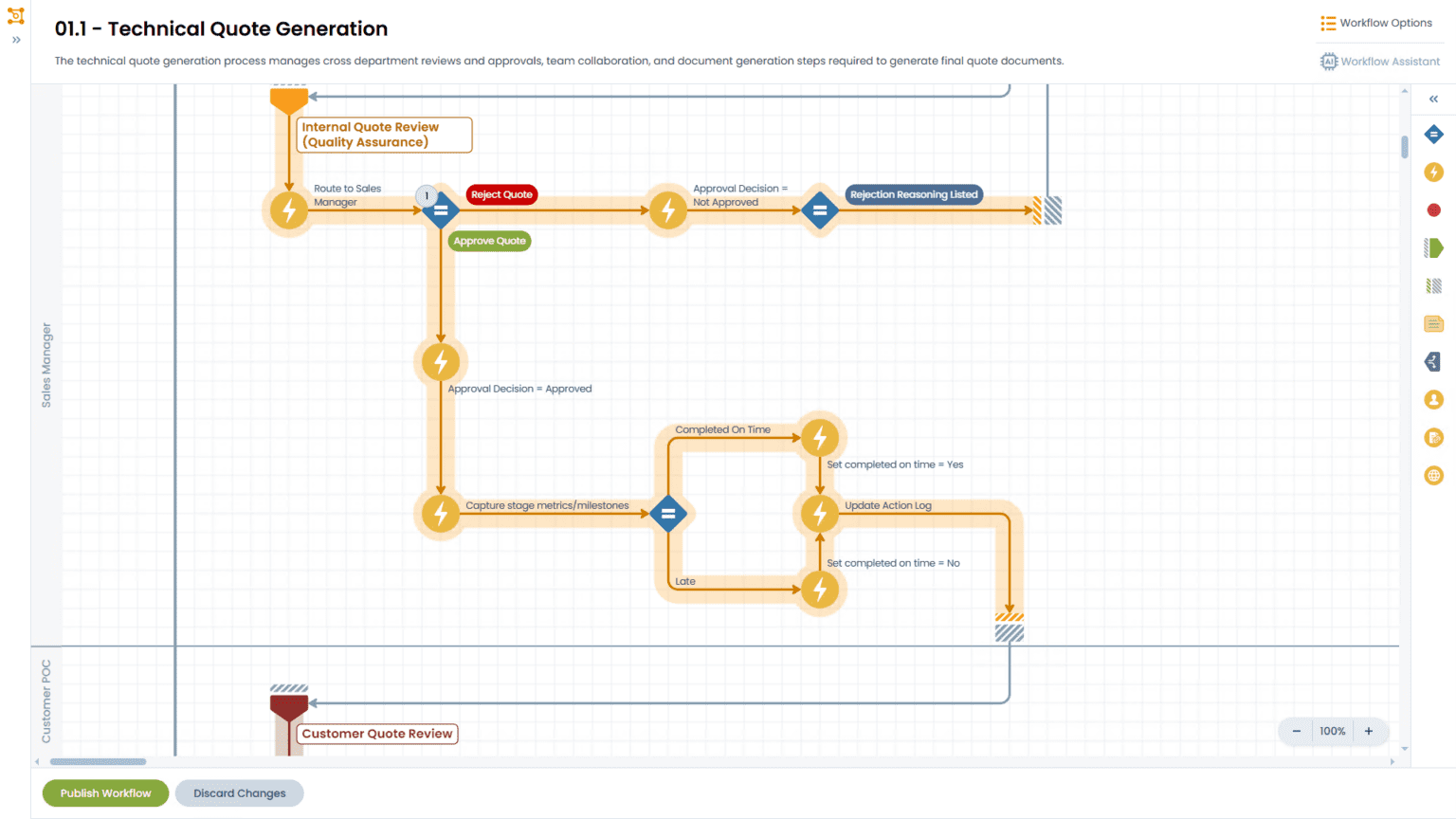
Unlike traditional platforms, JobTraQ is built for operations teams, not IT departments. It’s a self-serve, no-code platform that empowers your team to digitize workflows without writing a single line of code.
Here’s how we make that possible:
|
Feature |
What It Enables |
|
No-code workflow builder |
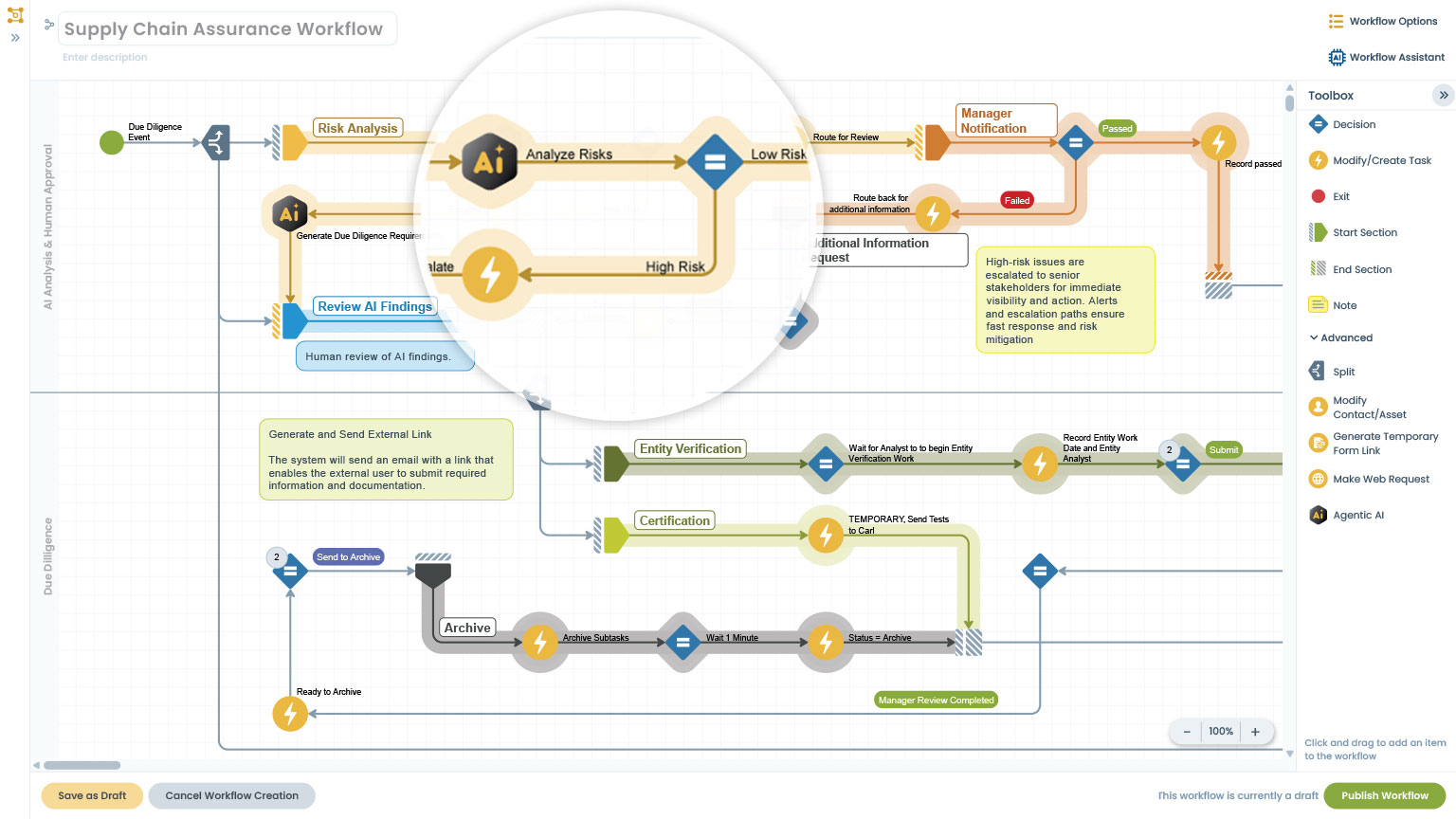
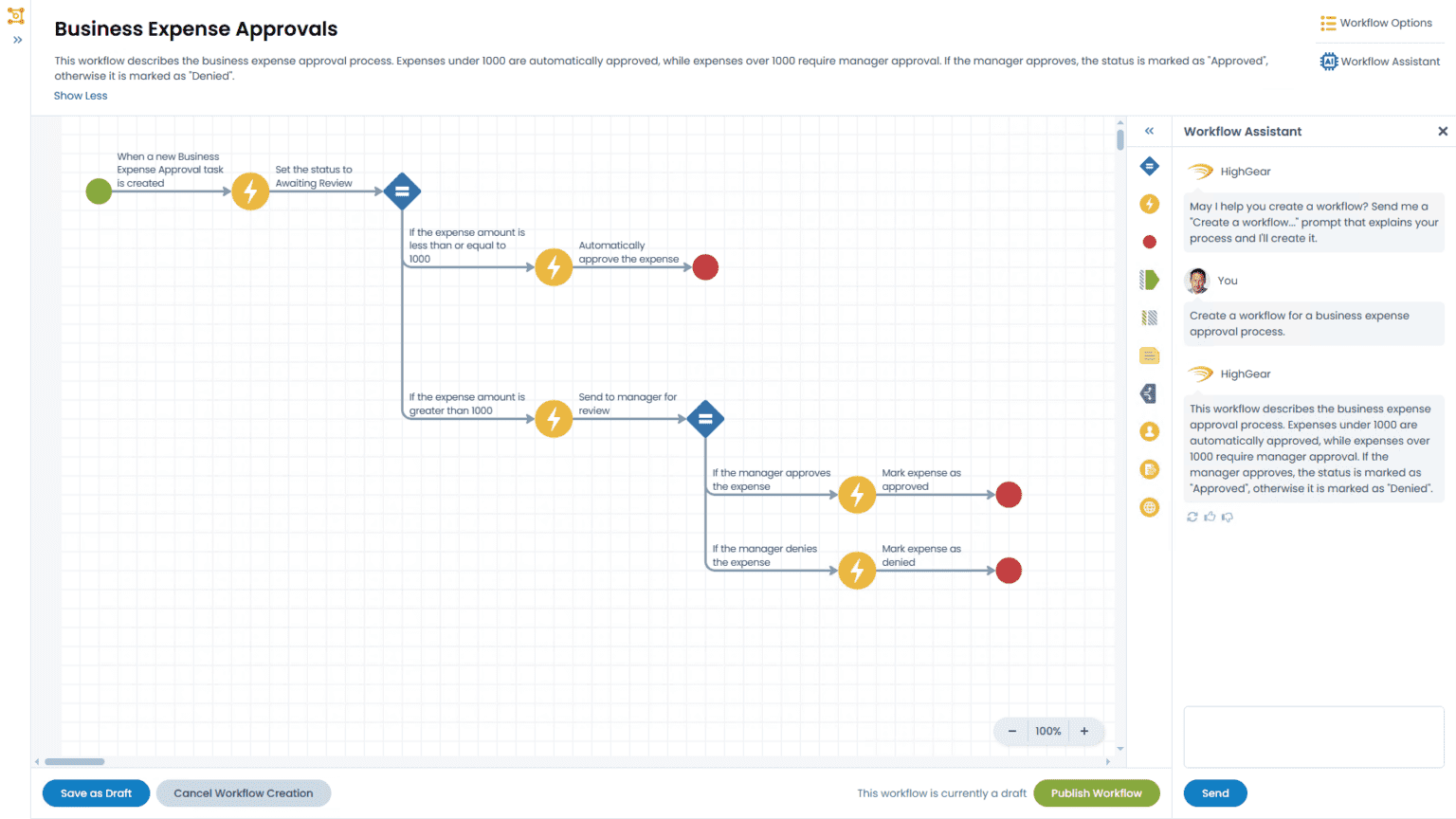
Anyone can create forms, workflows, approvals, and routing logic with drag-and-drop tools |
|
Role-based access control |
Admins and managers can manage users and permissions without IT intervention |
|
Cloud-based |
Deploy in our ready-built environment — minimal setup and no maintenance required |
|
Built-in training tools |
Onboarding resources walk users through building and launching workflows |
|
Customer support that speaks ops |
No jargon, no finger-pointing. Just fast answers and process-first guidance |
Real Talk: Who Typically Configures JobTraQ?
JobTraQ deployments are often led by:
- Manufacturing engineers who want to eliminate paper forms
- Operations managers who need better visibility and accountability
- Quality or compliance leads who are tired of chasing down signatures
- Process improvement teams who need automation without IT dependencies
These are not programmers. They’re process experts, and they learn to use JobTraQ in hours, not weeks.
“I built our first workflow in a week and I’m not a coder. Just someone who knew what needed to happen and where the gaps were.”
— Manufacturing Engineer, Aerospace Supplier
A 30-Day Deployment Without a Single Developer
Here’s what the first 30 days often look like for a team without in-house IT:
Week 1: Onboarding & Planning
- Receive login to trial or production environment
- Meet with JobTraQ onboarding team
- Choose 1–2 high-priority workflows to automate (e.g., ECO, job traveler, quality check)
Week 2: Build Your First Workflow
- Use drag-and-drop interface to build form and logic
- Define roles and responsibilities
- Create alerts and automated routing
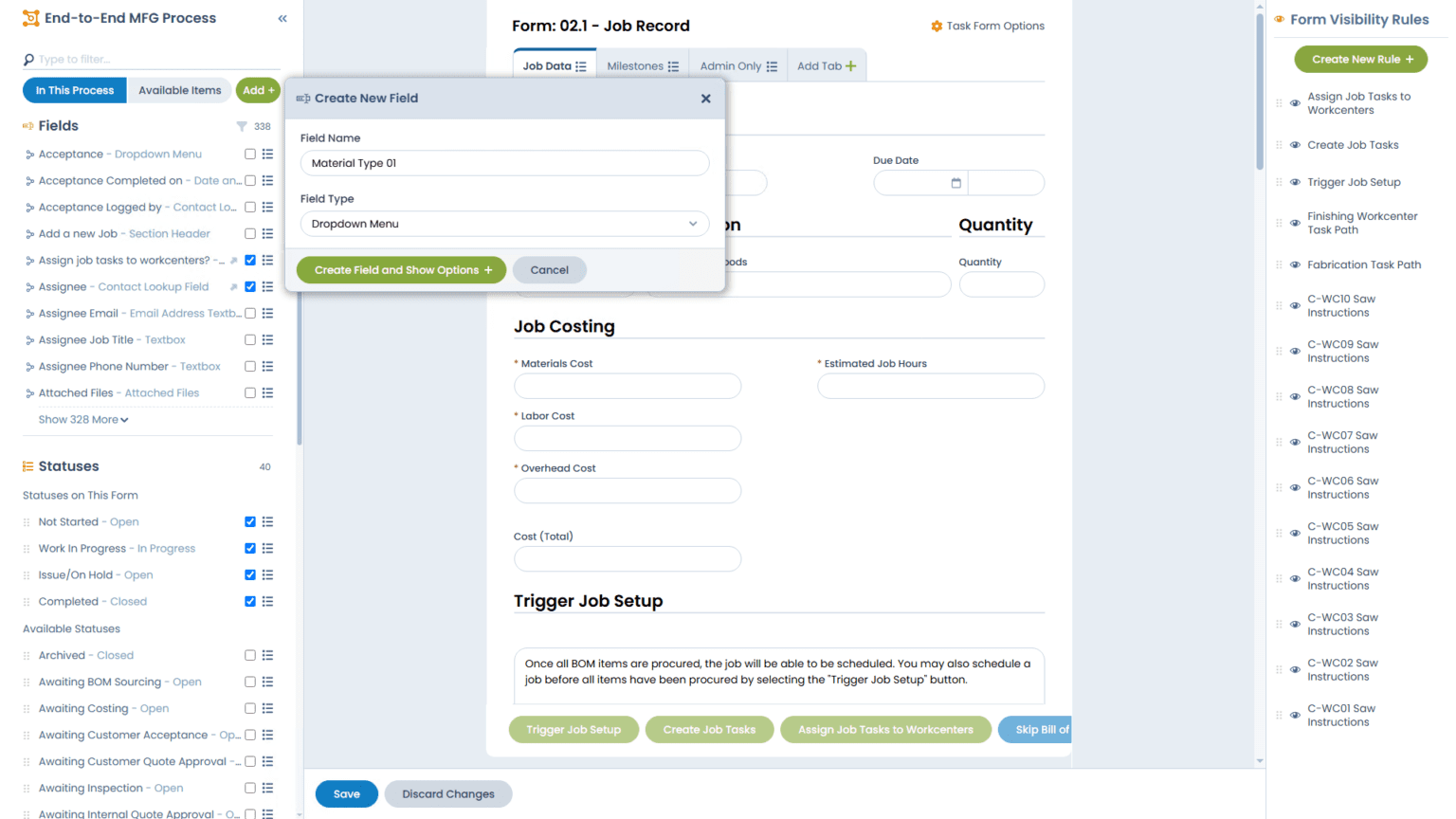
- Add fields like dropdowns, attachments, due dates, and more
Week 3: Test & Refine
- Invite a small pilot group to run the workflow
- Capture feedback and tweak forms
- Add escalations, dashboards, or reporting
Week 4: Go Live
- Launch the workflow into production
- Begin tracking jobs, tasks, and completions
- Start measuring time saved and errors avoided
Key Capabilities That Don’t Require IT
Here are just a few things your team can do independently in JobTraQ:
- Configure multi-step approval chains
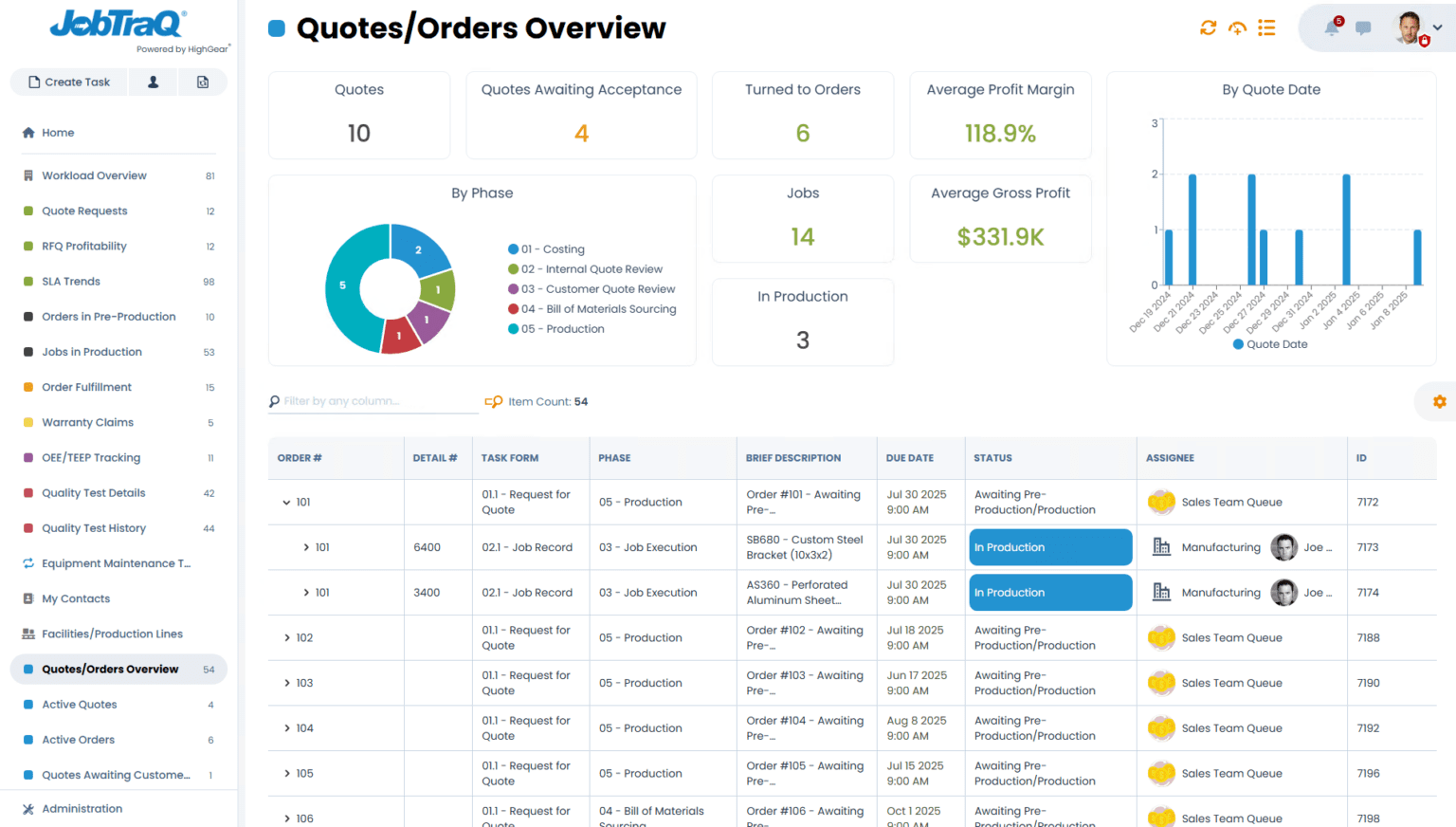
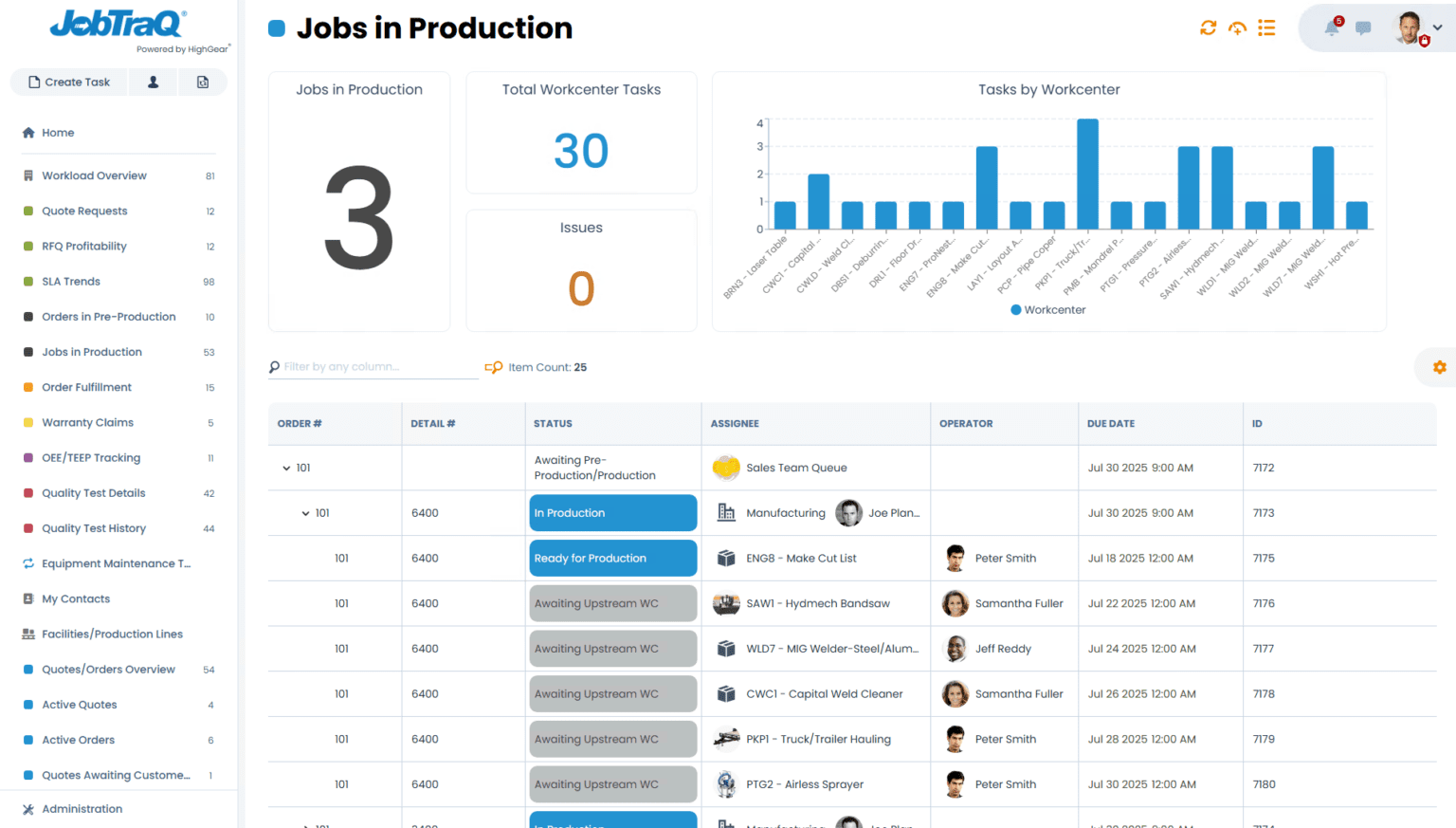
- Build dashboards for department leads
- Send automatic email or SMS reminders
- Assign tasks based on shift, skill level, or department
- Track compliance and create audit trails
- Log user activity for accountability
You don’t need SQL. You don’t need developers. You just need to understand your process and be willing to test and tweak.
What If I Need Integration Later?
Many HMLV shops start with standalone workflows, but later want to connect JobTraQ to:
- ERP (e.g., job data or customer info)
- PLM (e.g., engineering revisions)
- HR/payroll (e.g., shift tracking or training records)
That’s totally possible via JobTraQ’s open REST API – but it’s not required to get value.
Most customers launch multiple workflows before ever integrating with another system. When the time comes, our support team helps guide the process or provides resources for your IT provider.
But What If I Do Have IT?
Great! JobTraQ isn’t anti-IT. It just doesn’t require IT to get started. In organizations with IT departments, they usually appreciate that:
- They’re not the bottleneck for process automation
- Admin access can be delegated with full control
- Integrations can be done securely when the business is ready
Common Misconceptions Debunked
|
Concern |
Reality |
|
“We don’t have technical staff.” |
You don’t need them. JobTraQ is built for business users. |
|
“We’ll have to wait for IT.” |
You can start today – no IT ticket needed. |
|
“Only coders can build automations.” |
Not here. If you can build a spreadsheet, you can build a workflow. |
|
“We can’t afford consultants.” |
Good news: you don’t need them. Most customers go live in 30 days or less on their own. |
Real Outcomes From Non-IT Teams
A small medical device assembler used JobTraQ to replace a paper-based inspection process. Their team lead:
- Configured the inspection form
- Built auto-routing based on part type
- Deployed it to 12 operators within 3 weeks
- Reduced late-stage defects by 35%
And the best part?
“I didn’t ask IT for anything. Not even a password reset.”
— Production Supervisor, Medical Manufacturing
Ready to Empower Your Team?
JobTraQ puts process control in the hands of the people who use it, not behind an IT backlog or vendor paywall.
If you’re ready to:
- Digitize your most painful processes
- Get live in under a month
- Drive ROI without heavy overhead
Then you’re ready to try JobTraQ.