Why the Trial Matters More Than You Think
Most software trials are too short to prove anything meaningful. You log in, poke around, and leave unsure whether it’s a fit.
JobTraQ is different.
With a full-featured, 45-day trial, it’s built to give manufacturers enough time to:
- Digitize a real workflow
- Train a small pilot team
- Track performance
- Measure value
- Make a confident, data-backed decision
Whether you’re replacing paper job packets, wrangling change orders, or preparing for your next audit, this trial can show you what daily life with JobTraQ really looks like.
Start your 45-day free trial here
What’s Included in the Trial
During your trial, you’ll get full access to the same tools used by top JobTraQ customers in manufacturing, defense, energy, and logistics.
Included Feature | Why It Matters |
Workflow builder (no-code) | Build forms, routing, approvals without IT |
Role-based permissions | Assign responsibilities across departments |
Alerts & escalations | Catch delays before they become problems |
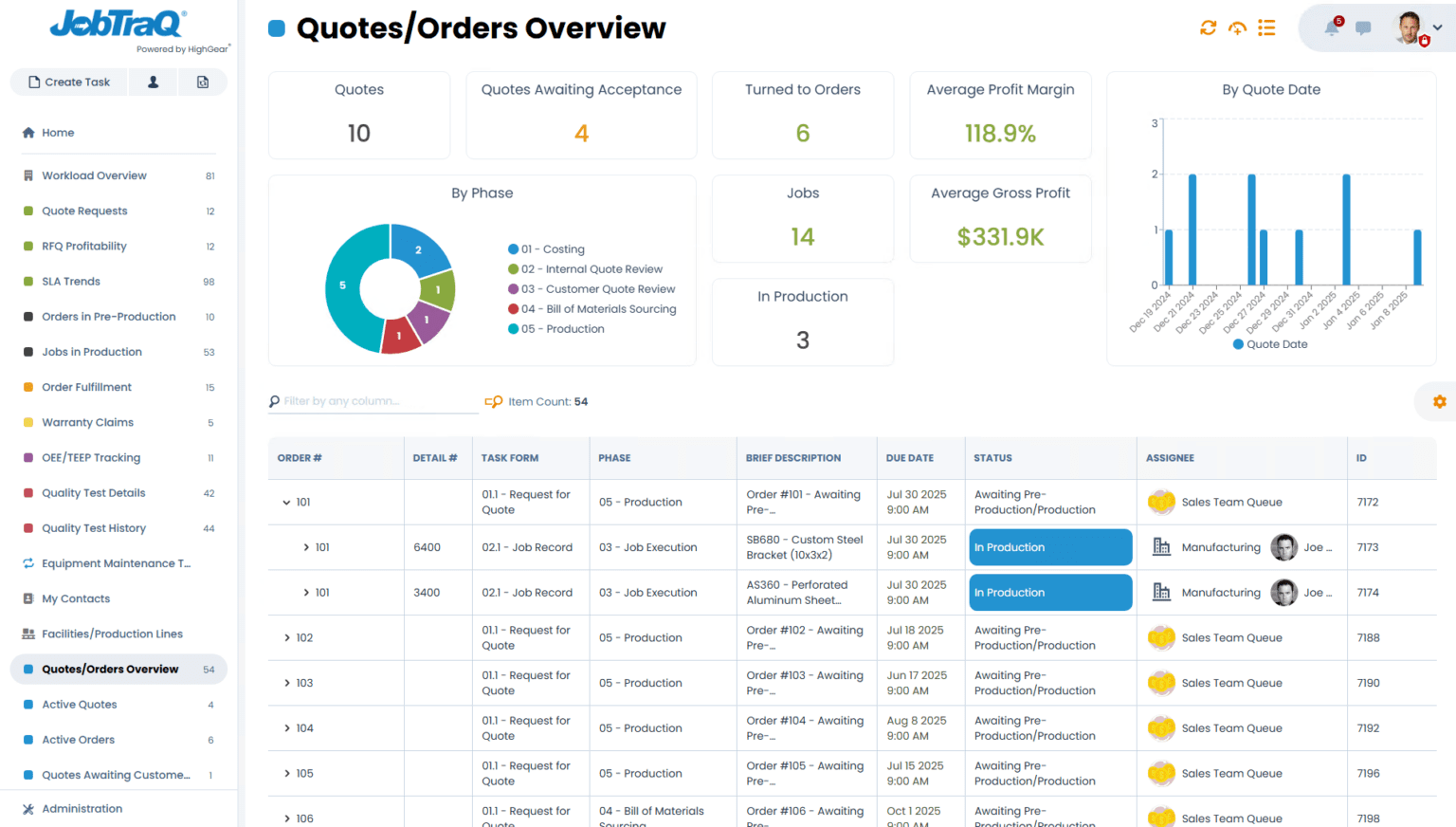
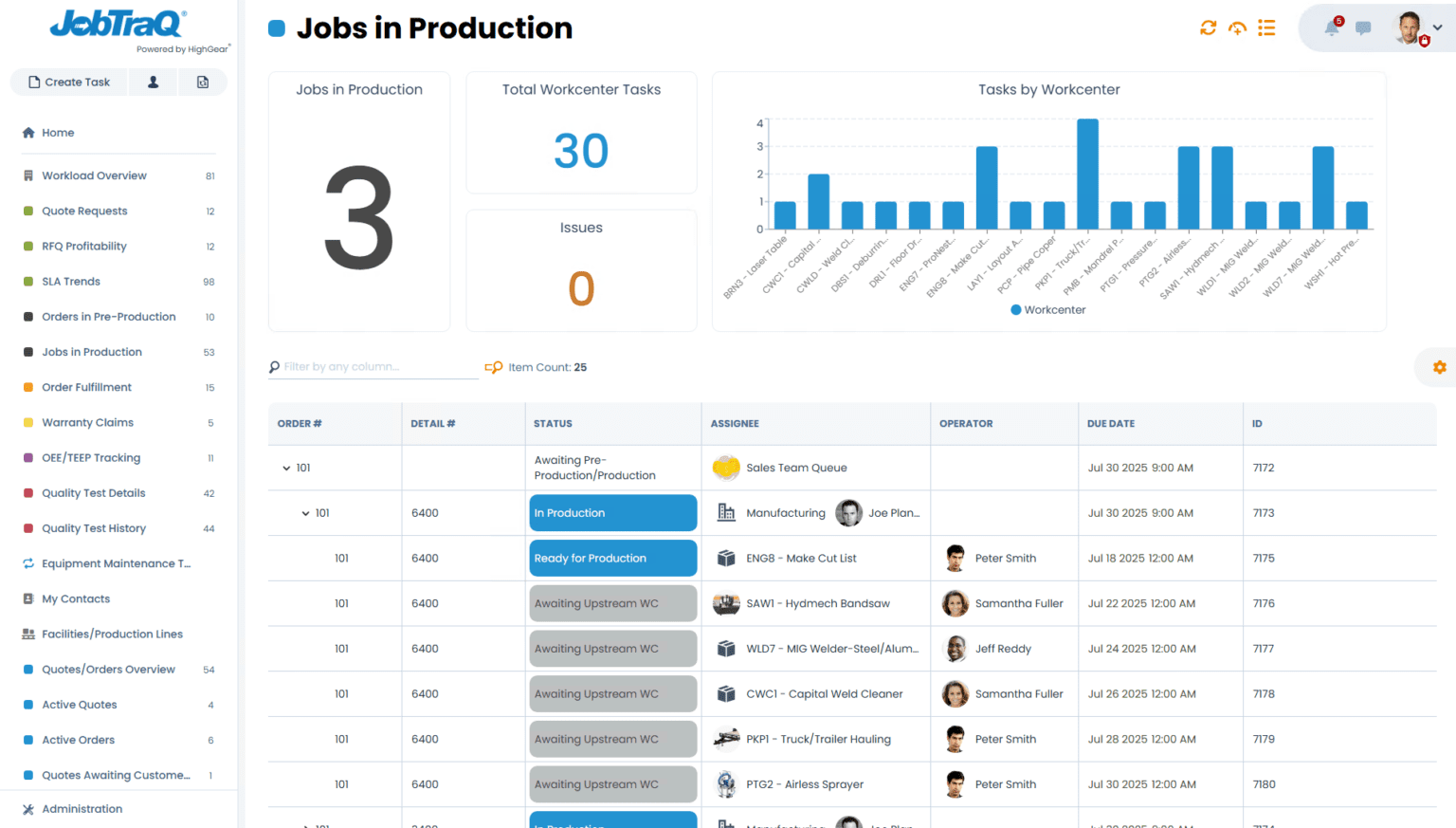
Dashboards | Get real-time visibility into job and task status |
Reporting & audit logs | Track compliance and improvement metrics |
REST API | Optional integration with ERP, PLM, or MES systems |
Support & training | Email guidance and access to onboarding tools |
Before You Start: Set Yourself Up for Success
- Pick a Champion
Every successful trial needs a point person. This is usually someone who:
- Understands your daily processes
- Wants to solve bottlenecks or improve visibility
- Has buy-in to lead a small experiment
This doesn’t have to be someone in IT. In fact, most successful trial champions are operations managers, engineers, or team leads.
- Choose One High-Pain Workflow
Don’t try to digitize your entire business in 45 days. Instead, pick one process where the pain is felt every day.
Popular first-use cases for manufacturers include:
- Job traveler packets
- Engineering change order (ECO) approvals
- First article inspection workflows
- NCR / CAPA reporting
- Maintenance work order routing
If you’re not sure where to start, ask:
“Where are we wasting the most time or losing the most visibility right now?”
- Recruit 3–5 Pilot Users
Workflow success comes from real-world usage. Involve a small, cross-functional team that can test the system and provide early feedback. These might include:
- An engineer who initiates change orders
- A supervisor who approves jobs
- A quality lead who signs off inspections
- A scheduler who needs better visibility
Week-by-Week Guide to the Trial
Week 1: Access + Planning
- Receive login credentials
- Meet with JobTraQ’s onboarding team (optional)
- Scope your pilot workflow and list the steps
- Outline the roles and responsibilities
You can also browse JobTraQ’s workflow templates →
Week 2: Build and Configure
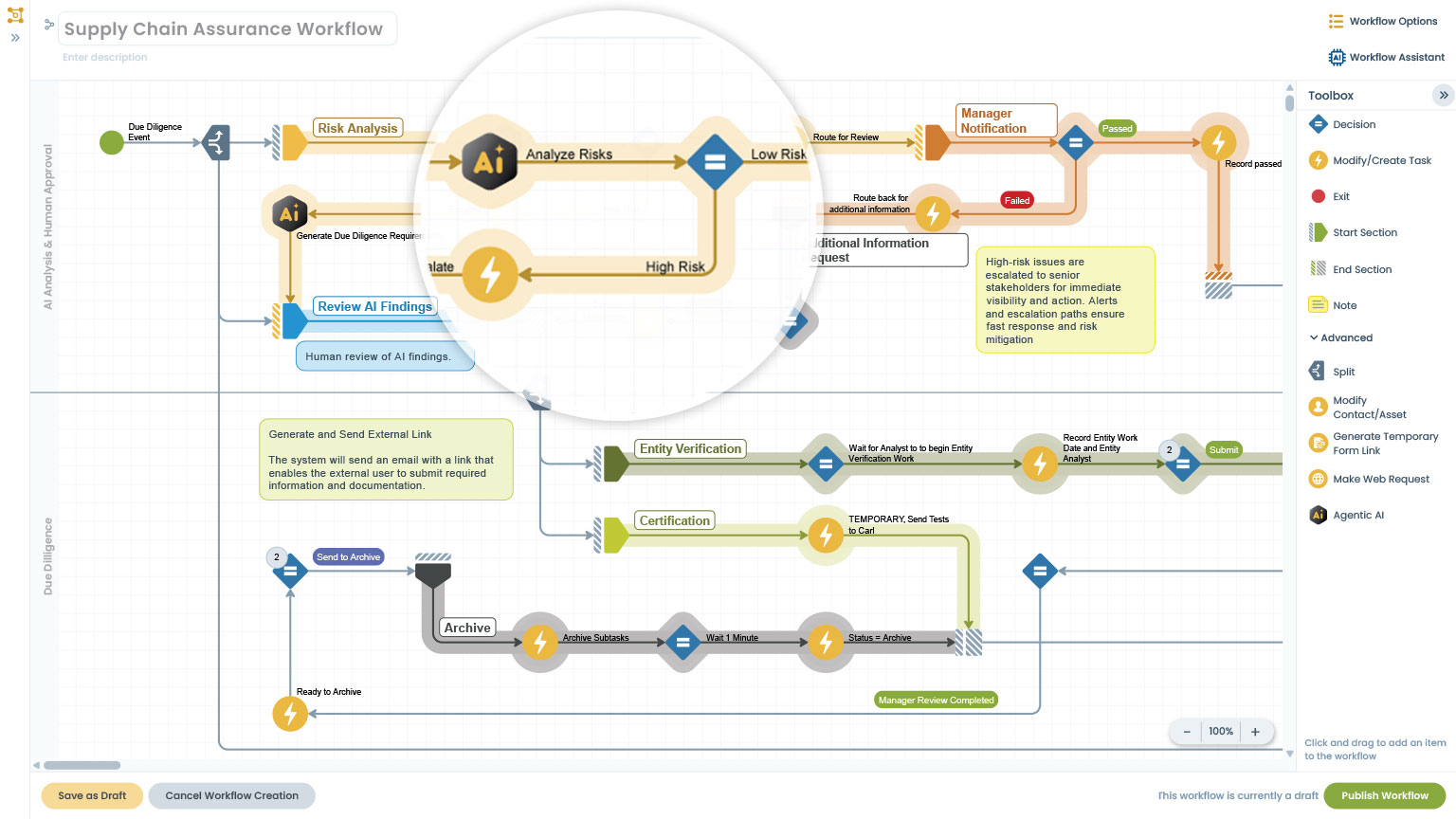
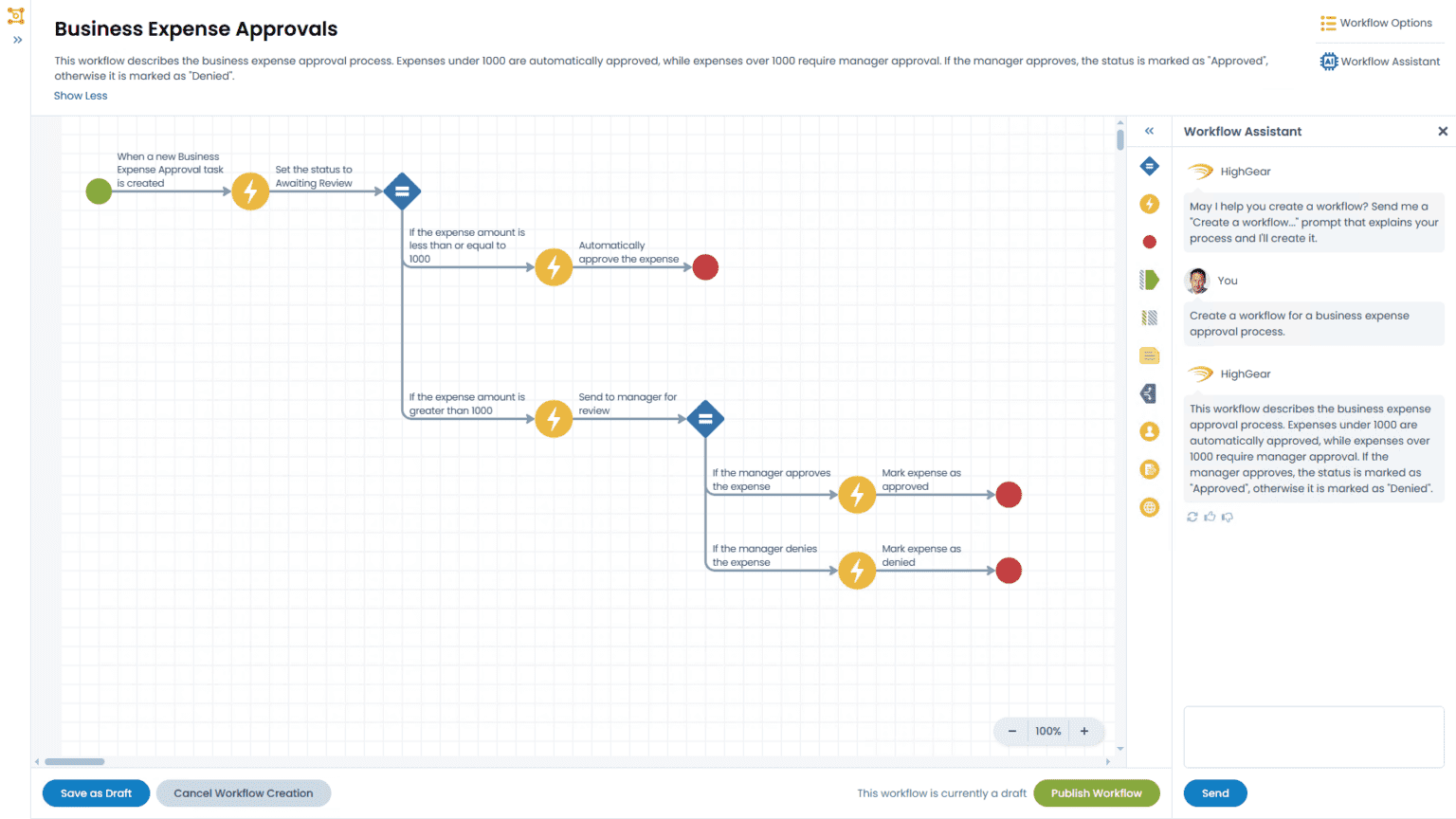
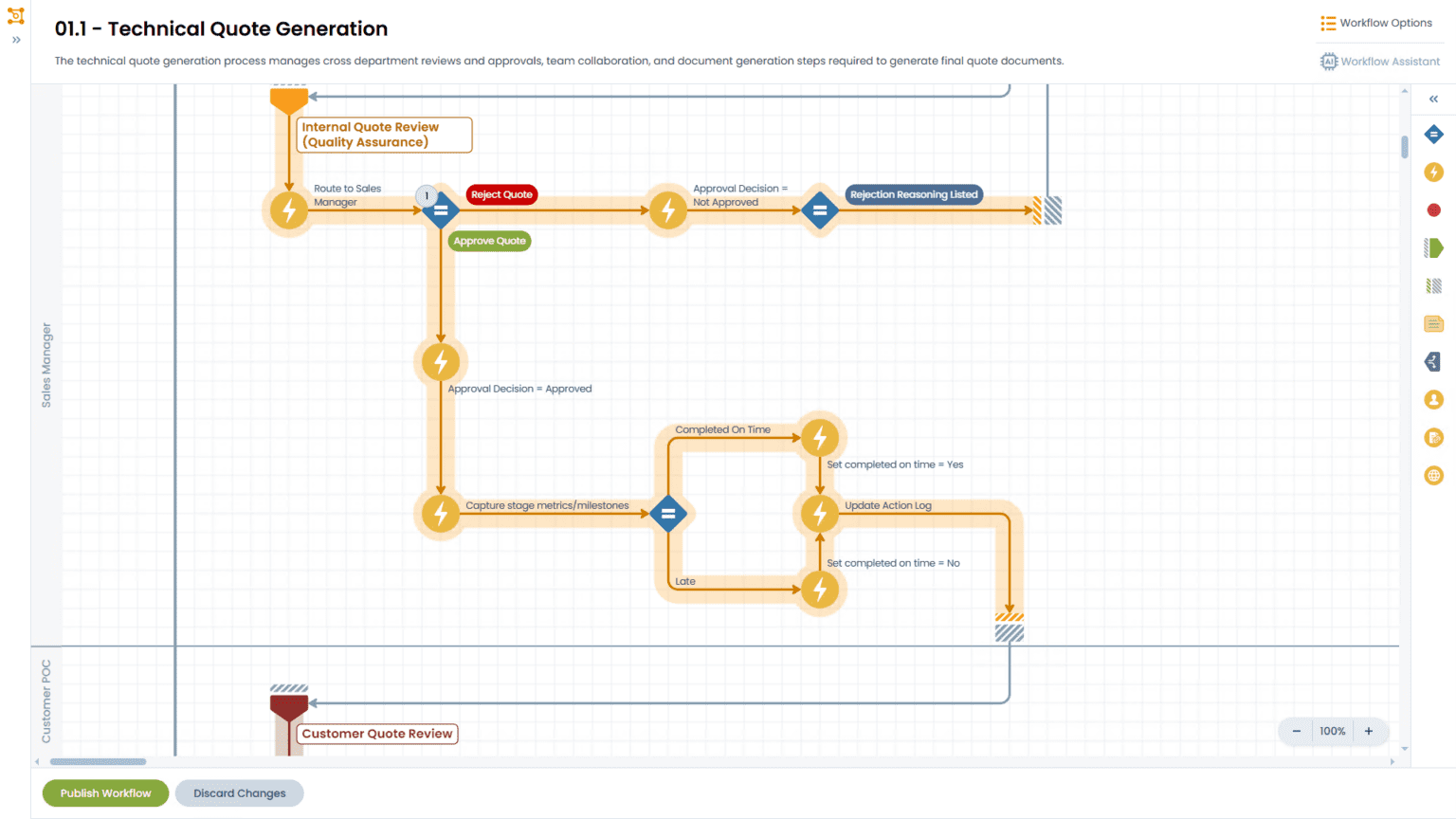
Using JobTraQ’s drag-and-drop builder, you’ll:
- Create your workflow form
- Define routing logic (approvals, dependencies, etc.)
- Add task deadlines, notes, and notifications
- Configure user access levels and permissions
No coding required.
Tip: Watch the quick-start tutorial videos provided after sign-up.
Week 3: Pilot and Refine
Test your workflow with real-world examples:
- Run a test job from start to finish
- Collect feedback from users
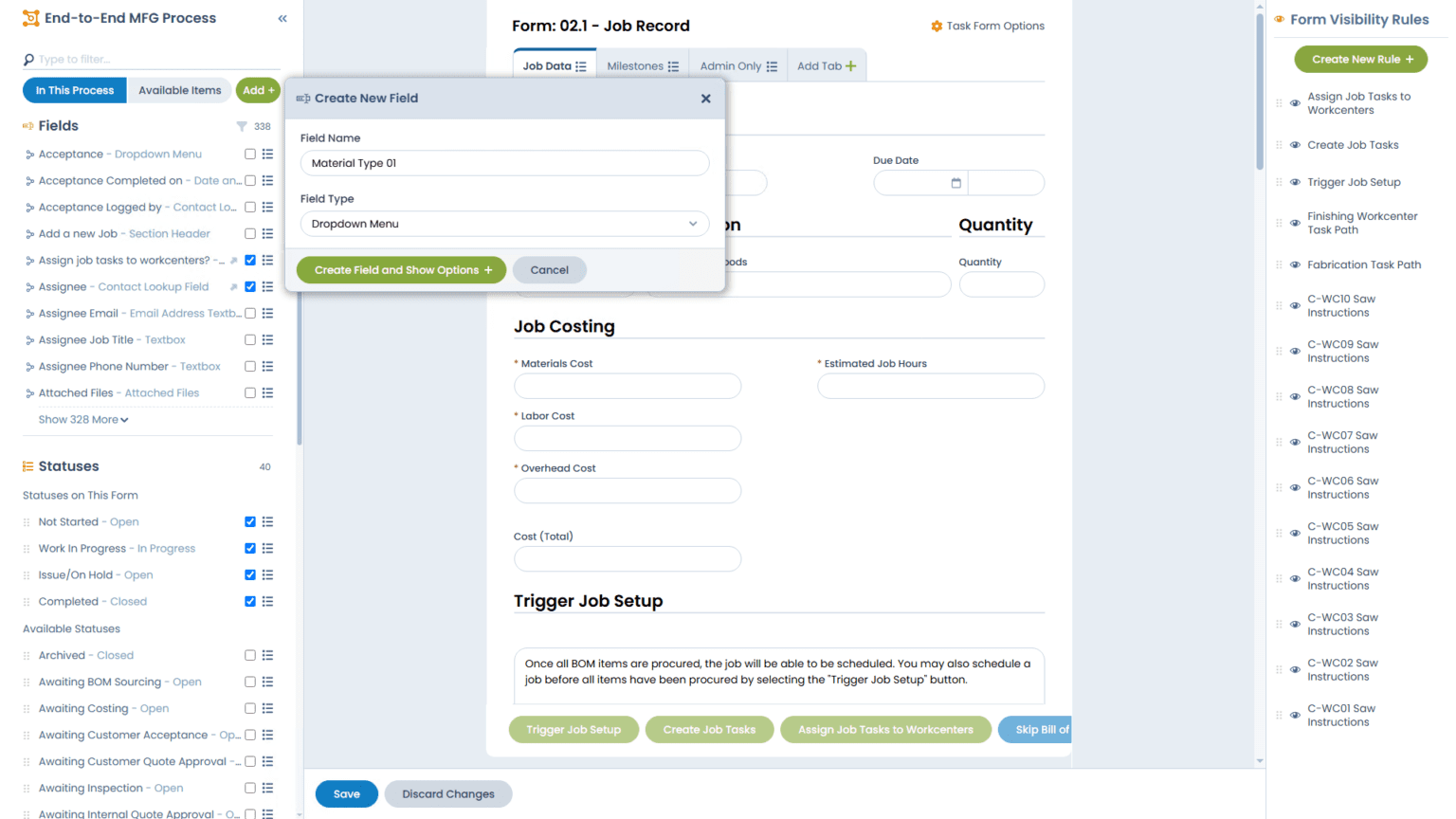
- Refine form fields, task assignments, or alerts
- Add dashboards or basic reports
Remember: It’s better to launch something simple now than to overbuild and delay feedback.
Week 4–6: Go Live and Measure
Begin using the workflow in your real operations. During this phase:
- Track cycle time improvements
- Monitor task completion rates
- Note where you’re saving time or improving accuracy
- Use dashboards to visualize progress
This is where the ROI starts to appear. Many customers report measurable wins before the trial ends.
What Success Looks Like by Day 45
By the end of your trial, you should be able to:
- Launch at least one live workflow
- Train and receive feedback from 3–5 users
- Demonstrate improvements in speed, accuracy, or visibility
- Build buy-in across departments using real data
- Have a clear case for moving forward with JobTraQ
If you’ve done that, you’re not just trying the software – you’re proving its value.
What If You Get Stuck?
You’re never on your own. During the trial, you have access to:
- Email-based support
- Onboarding documentation
- Optional working sessions with the JobTraQ team
- Access to example workflows and best practices
Want help with workflow design or deployment strategy?
Schedule a free discovery session →
Common Pitfalls (and How to Avoid Them)
Pitfall | Fix |
Trying to automate too much at once | Start with one workflow. Add more later. |
Waiting for IT to get involved | You don’t need IT to launch. Use the no-code builder. |
Skipping user feedback | Test early with a small team and refine quickly. |
Building without a goal | Define success: faster turnaround, fewer missed steps, etc. |
Not measuring impact | Use JobTraQ dashboards to track time saved or errors avoided. |
Final Thought: Don’t Let the Trial Be a Tour
Too many software trials are just that: a tour. You click around, look at buttons, and walk away without clarity.
JobTraQ’s trial is your chance to build, test, and prove. You can digitize a real process. You can go live with real users. You can collect real feedback.
And you can do it all before spending a dime.
Ready to Make the Most of Your Trial?
If you haven’t already, get started today:
Start Your 45-Day Free Trial
Book a Trial Planning Session
Explore Real Use Cases →
Let us help you bring some clarity to your day, one process at a time.